
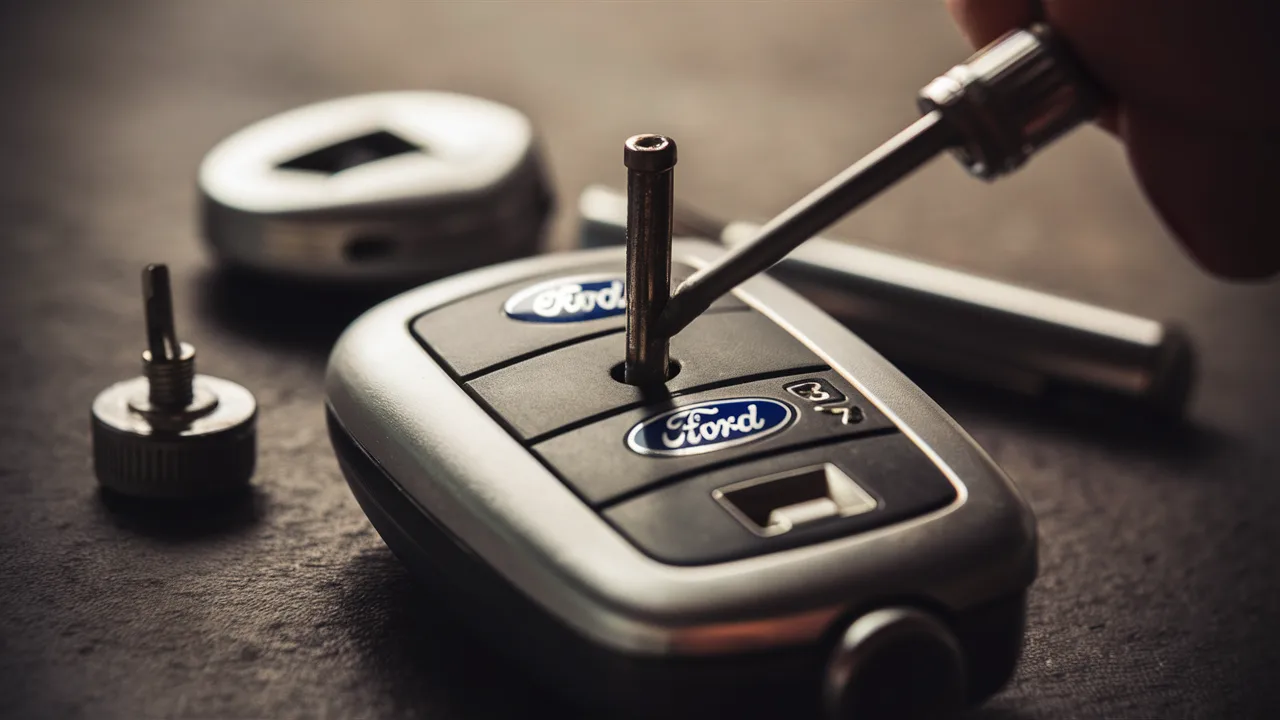
A Ford key fob is an essential part of modern vehicle convenience, allowing drivers to lock, unlock, and even start their cars remotely with ease. Over time, however, the battery inside the key fob begins to lose power, leading to reduced range or complete failure. We understand how frustrating it can be when your Ford key fob stops working unexpectedly, especially in critical moments. Fortunately, replacing the battery is a simple process that requires minimal tools and only a few minutes of your time.
In this comprehensive guide, we provide clear, detailed instructions on how to change the battery in a Ford key fob, along with expert tips, battery recommendations, and troubleshooting advice. Whether you own a Ford Focus, Fiesta, Explorer, or F-150, this guide ensures you can restore your key fob’s functionality quickly and efficiently.
Understanding Your Ford Key Fob and Battery Type
Before replacing the battery, it is important to identify the correct type used in your Change Battery in Ford Key Fob. Most Ford models use coin cell batteries, commonly CR2032 or CR2025. These batteries are widely available and inexpensive, making them ideal for quick replacements.
We recommend checking your vehicle manual or opening the key fob carefully to confirm the exact battery type. Using the correct battery ensures optimal performance and longer lifespan, preventing frequent replacements.
Tools You Need to Replace Ford Key Fob Battery
Replacing a Ford key fob battery requires only a few simple tools:
- Flathead screwdriver or plastic pry tool
- New coin cell battery (CR2032 or CR2025)
- Clean, dry surface for handling components
We emphasize using a plastic pry tool if available, as it minimizes the risk of damaging the key fob casing.
Step-by-Step Guide to Change Battery in Ford Key Fob
Step 1: Open the Key Fob
Locate the seam along the edge of the key fob. Insert a flathead screwdriver or pry tool into the slot and gently twist to separate the two halves. We advise applying light pressure to avoid cracking the casing.
Step 2: Remove the Old Battery
Carefully take out the old battery from its compartment. Note the orientation of the battery, especially the positive (+) and negative (-) sides, as this is crucial for proper installation.
Step 3: Insert the New Battery
Place the new battery into the slot in the same orientation as the old one. Ensure it fits securely and sits flat within the compartment.
Step 4: Reassemble the Key Fob
Align the two halves of the key fob and press them together until you hear a click, indicating that the casing is securely closed.
Step 5: Test the Key Fob
Press the buttons to confirm that the key fob is functioning correctly. If the response is immediate and consistent, the replacement was successful.
Common Mistakes to Avoid When Replacing the Battery
We often see users encounter issues due to simple mistakes. Avoid the following to ensure a smooth replacement process:
- Using the wrong battery type, which can cause poor performance
- Touching the battery surface excessively, leading to reduced efficiency
- Incorrect battery orientation, preventing the key fob from working
- Forcing the casing open, which may damage internal components
By following proper techniques, you can extend the lifespan of your Ford key fob and maintain reliable performance.
Signs Your Ford Key Fob Battery Needs Replacement
Recognizing early warning signs can prevent unexpected inconvenience. Look out for:
- Reduced signal range when locking or unlocking the vehicle
- Delayed response from button presses
- Intermittent functionality or inconsistent operation
- Complete failure of the key fob
We recommend replacing the battery as soon as these symptoms appear to avoid being locked out of your vehicle.
Benefits of Replacing Your Ford Key Fob Battery Yourself
Replacing the battery yourself offers several advantages:
- Cost savings compared to dealership service fees
- Convenience, as the process takes only a few minutes
- Immediate results, without waiting for professional assistance
- Better understanding of your vehicle’s accessories
This simple maintenance task empowers you to handle minor issues independently.
How Often Should You Change a Ford Key Fob Battery?
Typically, a Ford key fob battery lasts between 2 to 4 years, depending on usage. Frequent use, environmental conditions, and battery quality can affect its lifespan. We suggest keeping a spare battery on hand to ensure uninterrupted functionality.
Troubleshooting After Battery Replacement
If your key fob still does not work after replacing the battery, consider the following:
- Ensure the battery is installed correctly
- Check for dirt or corrosion inside the compartment
- Verify that the battery is new and not defective
- Try reprogramming the key fob if necessary
In rare cases, the issue may be related to internal damage rather than the battery itself.
Conclusion
Change Battery in Ford Key Fob is a quick and straightforward process that anyone can perform with minimal tools and effort. By following the correct steps and using the appropriate battery type, we can restore full functionality and avoid unnecessary expenses. Regular maintenance of your key fob ensures reliable performance and enhances your overall driving experience. With the knowledge provided in this guide, you are fully equipped to handle Ford key fob battery replacement confidently and efficiently.
Frequently Asked Questions (FAQ)
What battery does a Ford key fob use?
Most Ford key fobs use CR2032 or CR2025 coin cell batteries, depending on the model.
Can I replace my Ford key fob battery myself?
Yes, the process is simple and requires only basic tools, making it ideal for DIY replacement.
How long does a Ford key fob battery last?
Typically, it lasts 2 to 4 years, depending on usage and battery quality.
Why is my Ford key fob not working after replacing the battery?
This may be due to incorrect installation, a faulty battery, or internal damage.
Do I need to reprogram my key fob after changing the battery?
In most cases, reprogramming is not required, but it may be necessary if the key fob does not respond.